

Share a tab
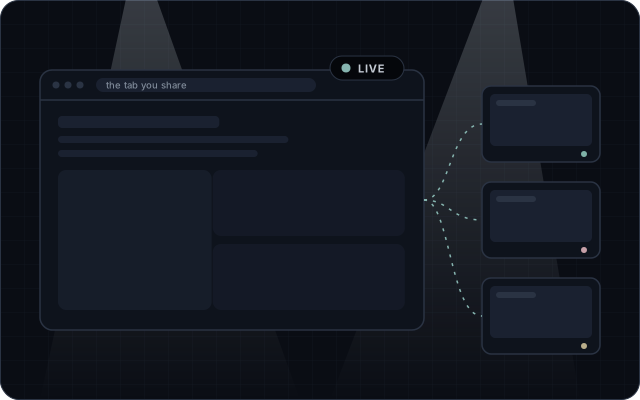
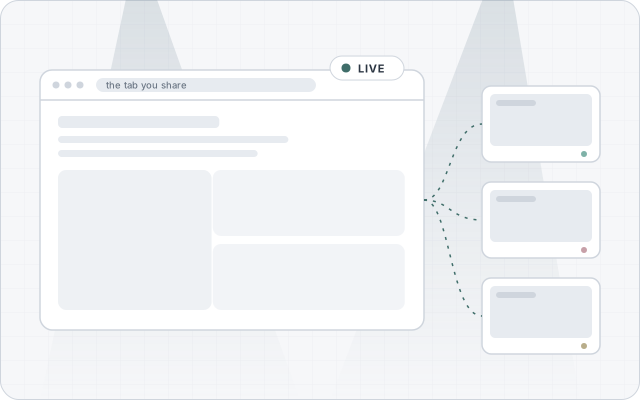
Start a room and pick the tab to show. Its sound comes along. The tab keeps working as usual for you.
 tabtango
Open the app
tabtango
Open the app
Peer to peer co-browsing
Share a browser tab. Up to four friends watch it live with its sound, talk with you and point at it with their own cursors. No account, no install, no server of ours.
Free and open source. Works in desktop browsers; friends can join from a phone.
Lino and Lua, two parakeets, dance tango in a spotlight while three colored cursors dance across a shared browser tab
Three steps
Start a room and pick the tab to show. Its sound comes along. The tab keeps working as usual for you.
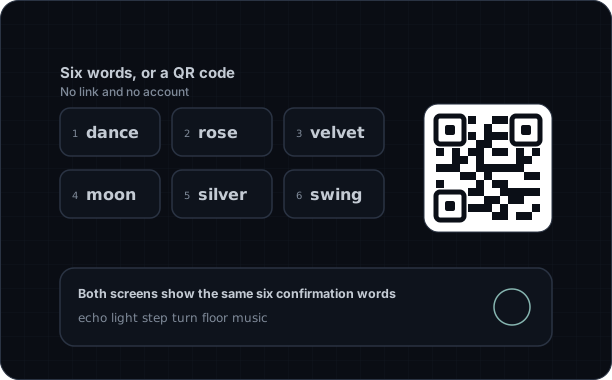
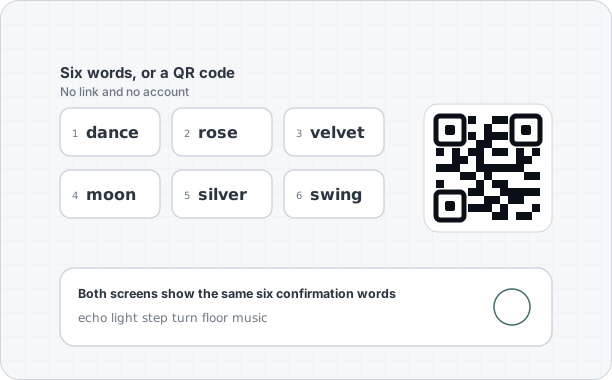
One button shows six words, a QR code and an invite link, all carrying the same words. Friends type the words, scan the code or open the link. You both compare six confirmation words, then you let them in.
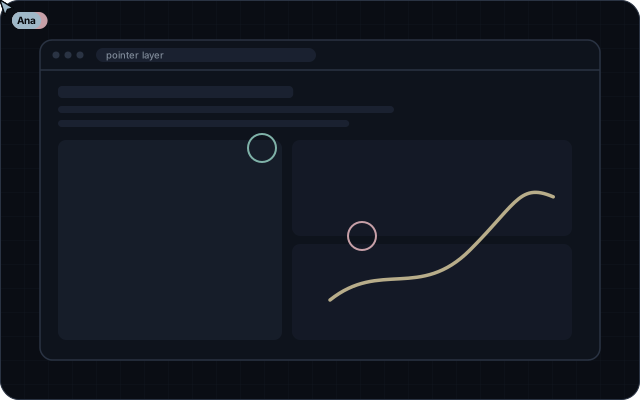
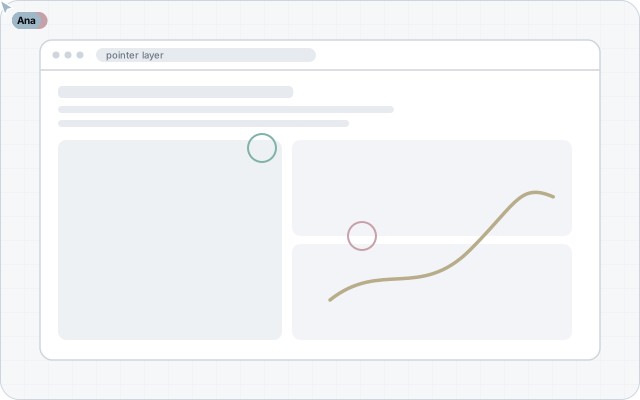
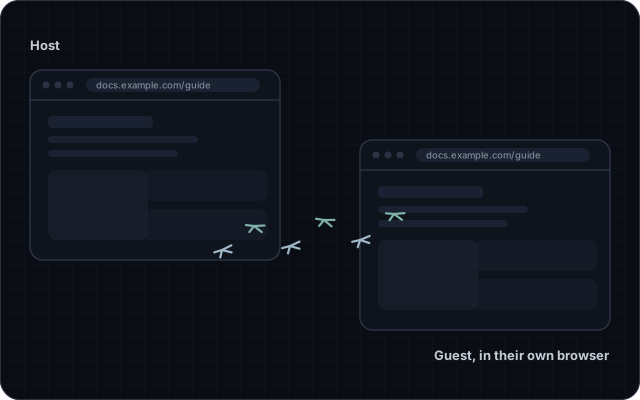
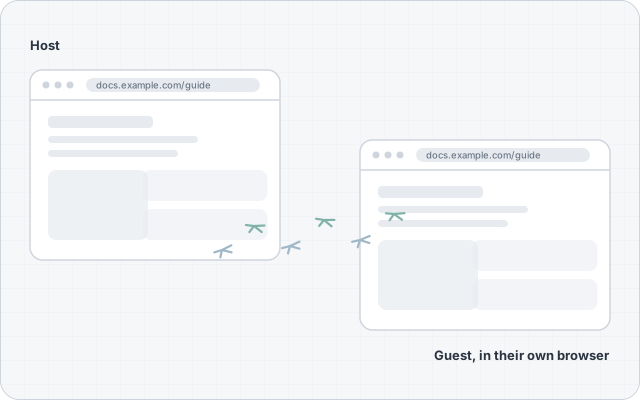
Everyone sees everyone else’s colored cursor, click ripples and a laser pointer over the stream. Talk through strong noise suppression, turn on cameras, chat, share a window or screen instead, and send the page you are on so friends can open it themselves.
Optional extension
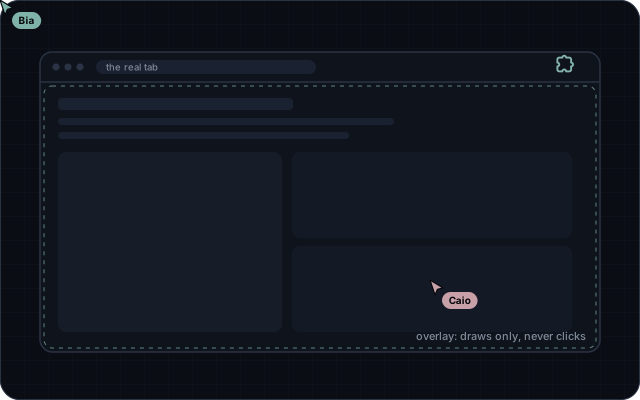
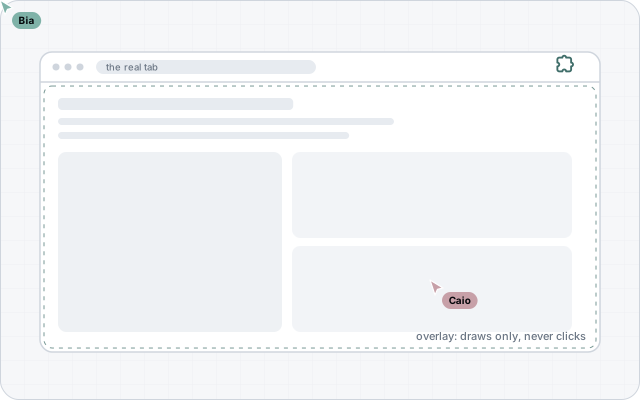
A web page cannot see or draw on another tab, so without the extension your friends’ cursors appear in the app, on top of the stream. With the small extension installed in your browser, they also appear right on the tab you share.
Download
One small folder. You install it by hand, because it is not in any extension store, and you can read every file before you do.
Download the extensiontabtango-extension-0.1.0.zipSHA-256 11c15ee47917a09582e87e01f218019ae9d03cb3982e2465d1fccc5ee8fe9ff6
Compare it with the file you downloaded, for example with sha256sum or certutil -hashfile.
Works in desktop browsers that can load an unpacked Manifest V3 extension from a folder. Browsers that only accept signed extensions are not supported yet.
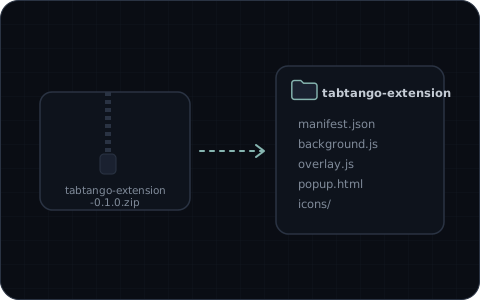
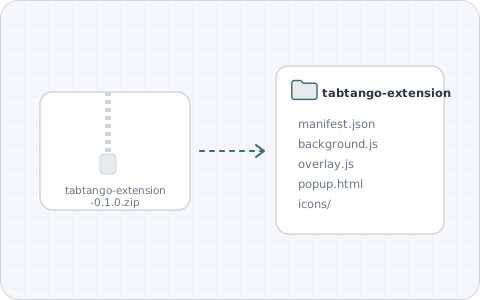
Unzip the download into a folder you keep. The browser loads the extension from that folder.
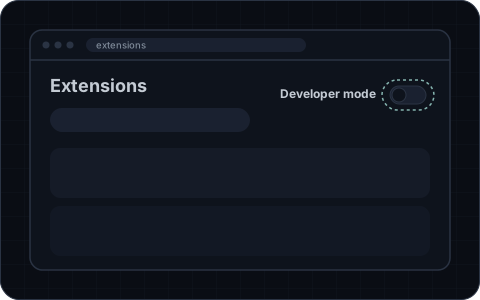
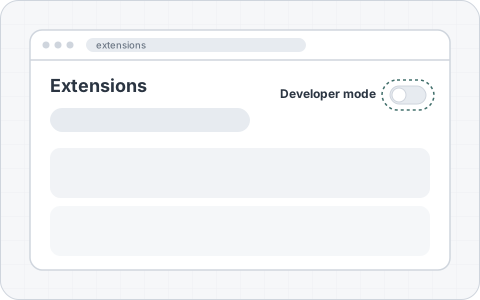
Open your browser’s extensions page from its menu and switch on developer mode.
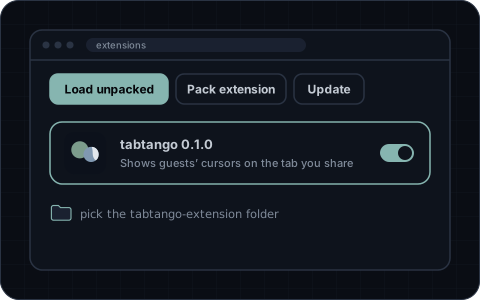
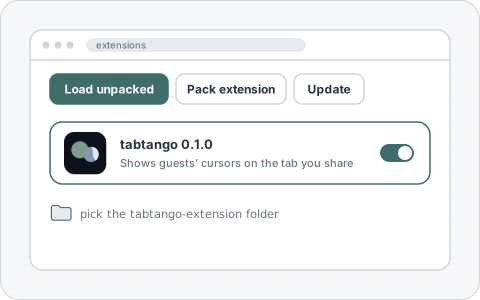
Choose Load unpacked and pick the tabtango-extension folder. Then, in a room, click the tabtango button on the tab you share.
The pictures are drawings of the steps; the words on your browser’s page may differ a little.
activeTabscriptingstorageSite access on the tabtango app onlyOptional: access to sitesGuests can point, but nobody can click, type or scroll in your browser, with or without the extension. Letting other people drive your logged in browser would put your accounts at risk, so tabtango does not do it.
Honest limits
tabtango sees the shared tab only as video. It cannot read or change the page. That is the browser keeping you safe.
Sharing a tab works in desktop browsers. Phones and tablets join as guests, and the guest view is made for them.
When you pick the tab, keep the option to also share its audio switched on, or friends hear only your voice.
Most connections go straight between browsers. A few strict networks block that; add your own TURN server in settings.
Video goes from the host to each guest, so the host’s upload matters. Five people is the most a room holds.
To find each other, both sides pass one encrypted handshake through public MQTT relays. They see only a random topic and ciphertext, and are left as soon as you connect.
Private by design
The site is static files. Video, voice, chat and cursors go straight between browsers over WebRTC.
Every connection is encrypted with DTLS. The six confirmation words come from both ends’ certificates, so a stranger cannot slip in unnoticed.
Pick a name and go. No sign up, no analytics, no ads. Your name and settings stay in your browser.
Yes. It is free and open source under the MIT license.
Five: you and four friends.
No. They can point, ripple and laser, and you see it, but they cannot click, type or scroll in your browser. That is on purpose.
No. Without it, cursors show up in the app on top of the stream. The extension adds them to the real tab and offers the page you are on to send to guests.
Three ways, all with the same six words: type them, scan the QR code with a phone camera, or open the invite link. The link keeps the words after the #, a part browsers never send to any server. The words last ten minutes, and both sides compare six confirmation words before you let anyone in.
Yes. Voice runs through a strong noise suppressor that works inside your browser, with a mic test. Cameras show as small tiles, and you can pick your microphone, camera and, where the browser allows it, your speaker.
The app installs and opens offline, but a room needs the internet to connect.