fontsketch
PT

Free font maker in your browser

Turn your handwriting into a real font

Type your name, draw its letters with a mouse, finger or pen, and download a real font file. Free, in your browser, and nothing is uploaded.

  1. Type your name
  2. Draw its letters
  3. Download your font

Drawing on the letter adds strokes. Every copy of it in the sentence updates.

Quill HandDefault font, 171 glyphs, ready

Ação! The quick brown fox jumps over the lazy dog, 1234567890.

Glyphs: pick one to edit

Download this font

Three ways in

Draw it, import it or write it on paper

1Draw in the browser

Draw in the browser

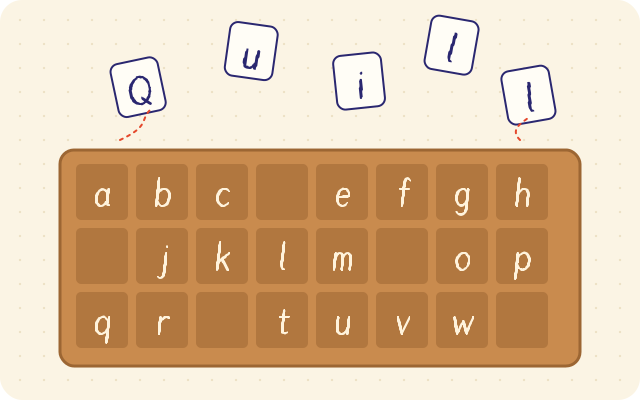
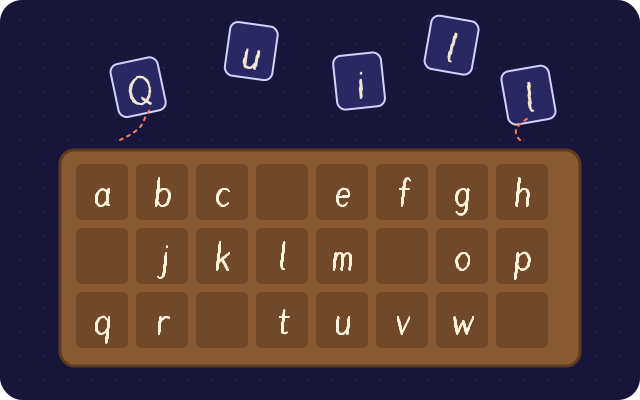
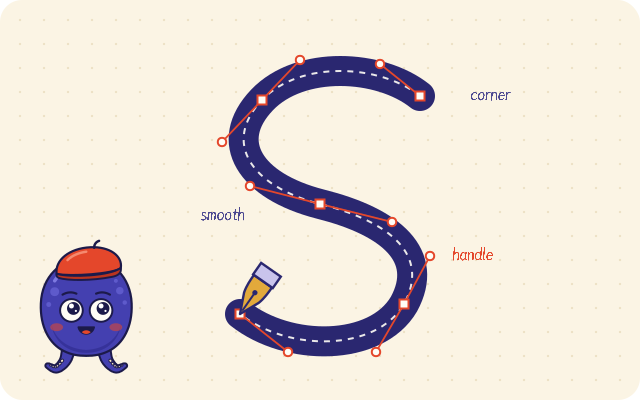
Quick font asks only for the 26 lowercase letters, in a script, block or pixel style, and adds the capitals, numbers, punctuation, accents and spacing for you. For full control there is a freehand brush, a bezier pen tool and guides for x-height, cap height and baseline.
2Import SVG and images

Import SVG and images

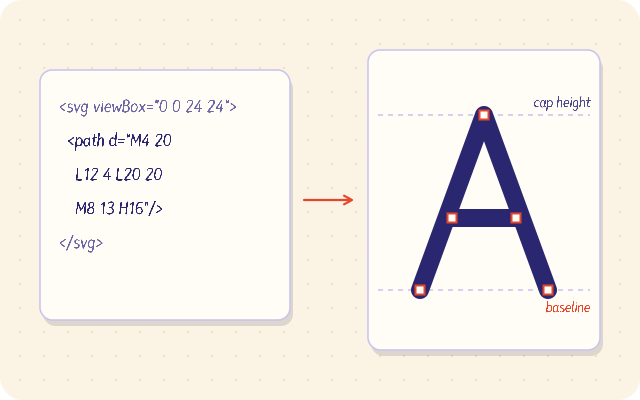
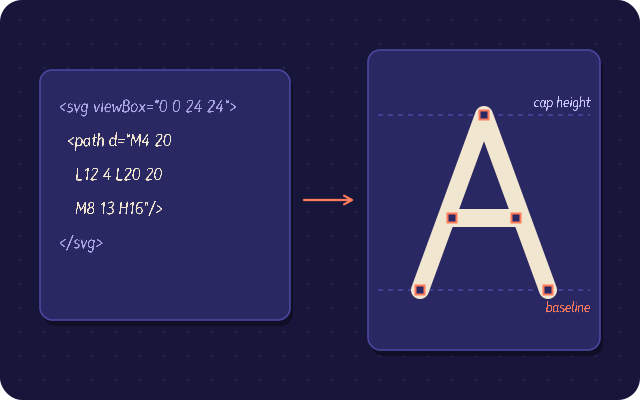
Drop SVG files or paths, or trace a PNG or JPG of your lettering into vectors. Open an existing TTF, OTF, WOFF or WOFF2 font and keep editing it.

3Scan a handwriting sheet

Scan a handwriting sheet

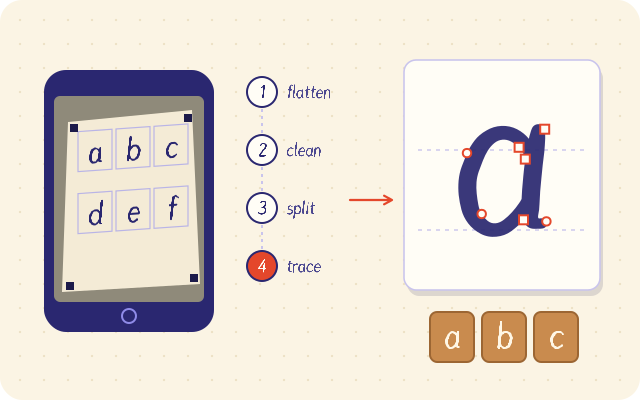
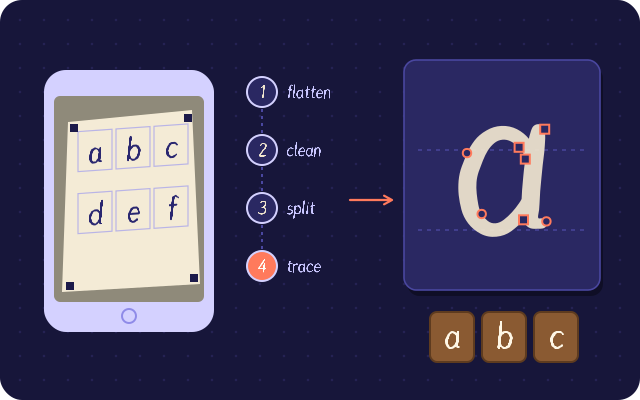
Print the template, fill it with a pen and take a phone photo. fontsketch finds the markers, flattens the page, evens the light, splits the cells and traces every letter.

How it works

From a sheet of paper to a font file

01Scan

A phone photo becomes a font

Print the sheet, write one letter in each box and take a photo. The corner markers show how the page was tilted, so fontsketch flattens it, evens out the light, splits the boxes and traces every letter into a glyph you can type with.

  1. Take a photo
  2. Flatten the page
  3. Split the boxes
  4. Trace each letter
  5. Type with it

Scan a sheet in the editor

02Weight

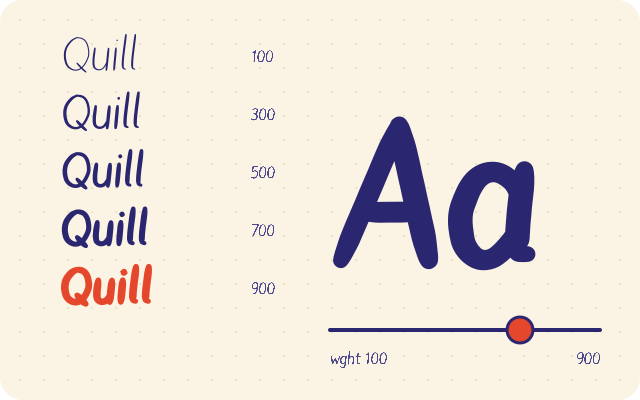
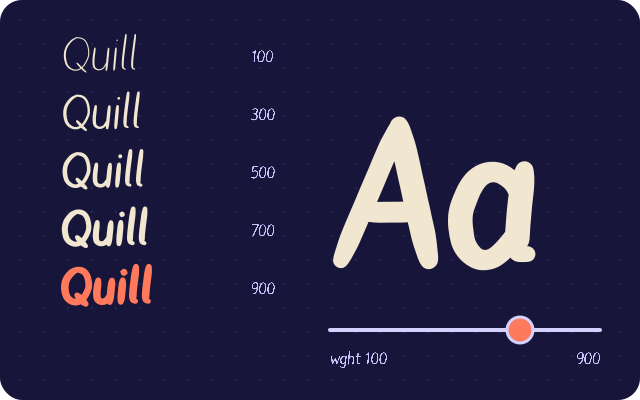
One drawing, every weight

Draw a Regular and a Bold master with the same points and fontsketch exports a variable font with a real weight axis. Scroll to move the axis from Thin to Black.

ThinLightRegularBoldBlackwght 100

03Hinting

Crisp at small sizes

Automatic TrueType hinting finds the stems and snaps them to the pixel grid, so a 12 pixel paragraph renders sharp instead of blurry.

no hintinghinted

04Kerning

Pairs that fit together

Kerning pairs and classes pull awkward combinations like AV, To and Wa together, and every accented copy inherits the pair.

AV0
To0
Wa0
Ty0

05Export

TTF, OTF and WOFF2 in one click

The compiler writes the font binary in your browser: TrueType outlines, CFF outlines, WOFF and Brotli compressed WOFF2, plus a ready @font-face snippet.

AaTTFTrueType35.8 kB
AaOTFCFF62.5 kB
AaWOFF2Brotli14.8 kB

Everything in the box

A complete font editor in the browser

  • Freehand drawing

    Pressure aware brush strokes become smooth, editable outlines.

  • Bezier pen tool

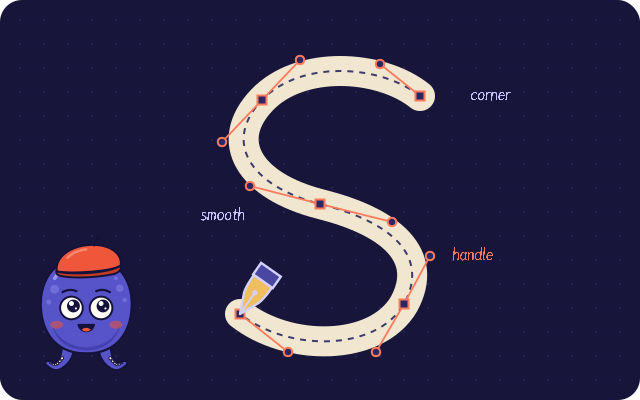
    Corner and smooth points, handles, snapping and guides.

  • Import SVG

    Paste or drop SVG paths straight into a glyph.

  • Image tracing

    Trace PNG and JPG lettering into vector contours.

  • Handwriting sheet

    Printable A4 and Letter templates with corner markers.

  • Phone camera scan

    Perspective, lighting and cell detection, all on device.

  • Kerning

    Pairs and classes, with live preview strings.

  • Hinting

    Automatic TrueType hinting, manual stems, or none.

  • Variable fonts

    Weight axis from compatible masters, one file.

  • Export

    TTF, OTF, WOFF and WOFF2 plus @font-face CSS.

  • Icon fonts

    A CLI that turns a folder of SVG icons into a font.

  • Autosave

    Projects save in your browser and as .fontsketch.json.

For developers

A font compiler you can script

The same engine runs in Node 18+ and in the browser, with zero runtime dependencies for TTF and OTF. Build fonts in CI, generate icon fonts, or parse existing fonts.

Icon font from a folder of SVGs

Terminal
# a folder of SVG icons becomes WOFF2, WOFF, TTF, CSS classes and a preview page
npx fontsketch from-svg ./icons --family Icons -o ./dist

# compile a project saved from the editor
npx fontsketch build my-hand.fontsketch.json -o ./fonts --formats woff2,ttf

Node and browser API

build-font.mjs
import { writeFileSync } from 'node:fs';
import { createFont, addGlyph, circleContour, reverseContour, exportFont, cssFontFace } from 'fontsketch';

const font = createFont({ family: 'My Hand', designer: 'Me' });
addGlyph(font, {
  name: 'o',
  advanceWidth: 520,
  contours: [circleContour(260, 250, 230), reverseContour(circleContour(260, 250, 130))],
});

writeFileSync('my-hand.woff2', exportFont(font, { format: 'woff2', hinting: 'auto' }));
console.log(cssFontFace(font, '/fonts/my-hand.woff2'));

FAQ

Common questions

How long does it take to make a font?

With Quick font in the editor you draw the 26 lowercase letters and fontsketch adds the capitals, numbers, punctuation, accents and spacing, so a usable font takes about five minutes. Capitals start as larger copies of your lowercase until you draw your own.

Can I use my font in Word or Canva?

Yes. Install the TTF or OTF file on your computer and it shows up in Word and other apps. Canva accepts uploaded fonts on plans with Brand Kit. The Download panel in the editor shows the steps for a computer, Word, Canva and websites.

Are my drawings or photos uploaded?

No. Drawing, scanning and exporting all run in your browser. Projects are saved in the browser, and you can download a .fontsketch.json file as a backup.

Which formats can I export?

TTF and OTF to install on a computer, WOFF and WOFF2 for websites, plus a ready @font-face snippet. Fonts with a Regular and a Bold master can also be exported as one variable font.

Does it handle accents like ã, ç and é?

Yes. Draw the base letters and the marks once and fontsketch builds the accented letters from them, so Portuguese, Spanish, French, German and Polish text works.

Who owns the fonts I make?

You do. fontsketch is MIT licensed and adds no license or watermark to your fonts.

Quill, the fontsketch octopus calligrapher, holding a brush, a dip pen, a marker and a pencil

Your handwriting deserves a font file

Quick font in the editor asks for the 26 lowercase letters and fills in the rest, so a usable font takes about five minutes.

Make a quick fontRead the handwriting guide