| The local model on your GPU | Yes | Yes. The engine runs in Node.js on your machine; the tab only shows it. | No. A web page cannot start a native program or load a model file of several GB from your disk. |
|---|
| Sharing your GPU and CPU | Yes, also with the window closed: it keeps running in the tray. | Yes, while the tab stays open. The peer link runs in the window, and browsers slow down or freeze background tabs. | No. There is no engine to share. |
|---|
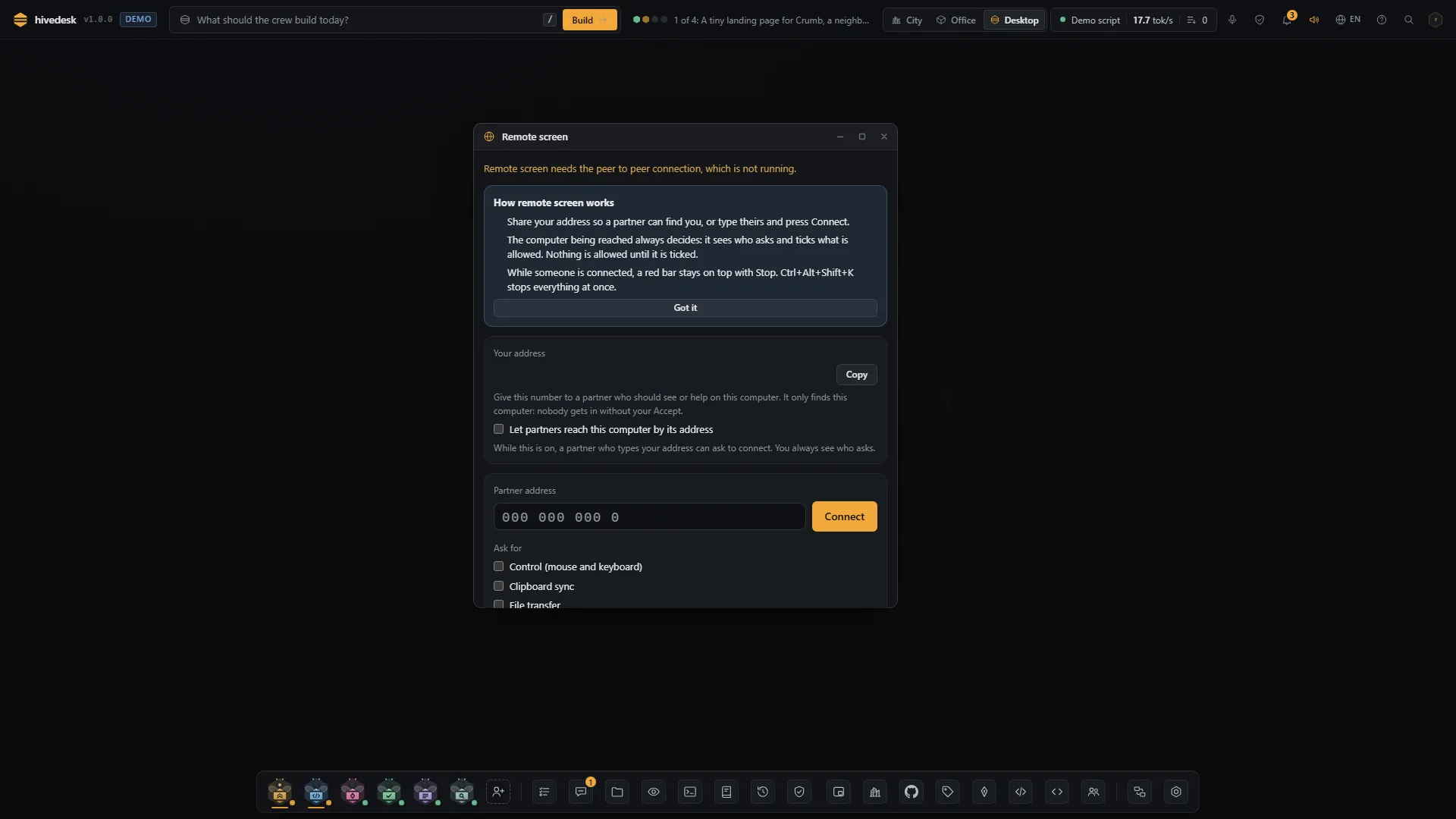
| Remote control | Windows, and Linux on X11. macOS is view only until the app is signed. | Viewing works in Chromium based browsers. Control, the native clipboard and pasted files come from the input helper, the same as in the app. | No. A page cannot move the mouse or press keys on your system. |
|---|
| Switching monitors | Yes. The viewer asks, the host picks the screen. | Yes, but the browser asks the host to pick the screen in its own dialog each time: a page may never choose a screen by itself. | No |
|---|
| Terminal (PTY) | Yes on Windows and macOS. On Linux when its native part builds, else a basic labeled terminal. | The same: the terminal runs in the engine. | No. A page cannot start a shell. |
|---|
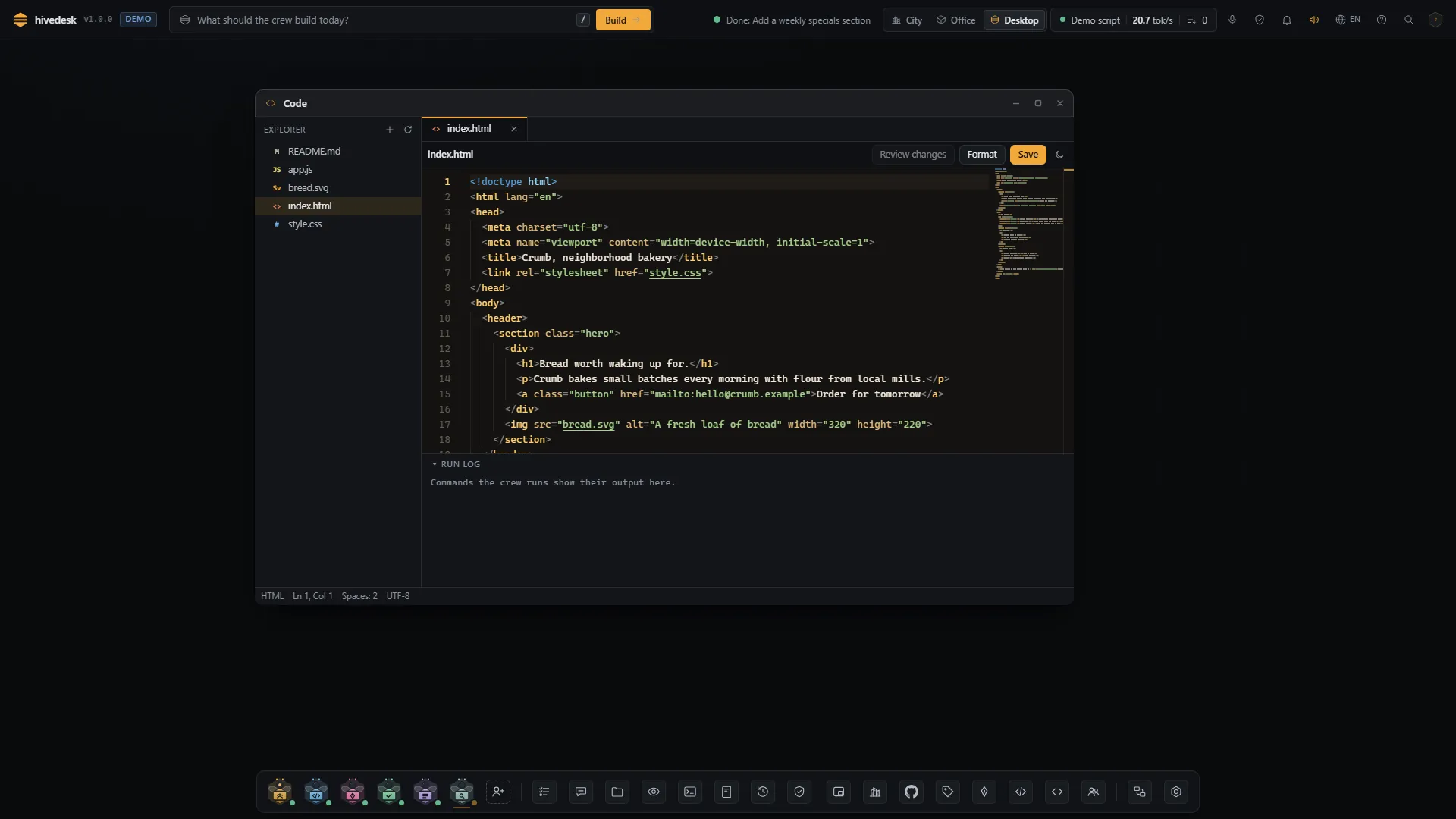
| File system access | The folders you add, with a native folder picker. | The same folders. You type the path, because a page gets no native folder picker. | Only files you pick or drop one at a time, as the browser rules say. |
|---|
| Ctrl Alt Del | Never sent to a remote machine. Windows reserves it for the secure sign in screen, so hivedesk drops it, and Win+L, on purpose. | Never sent. Your own system also catches it before any page sees it. | No |
|---|
| Notifications | System notifications from the app. | After you allow them in the browser, and only while the tab is open; otherwise in the page. | No |
|---|
| Running in the background | Yes. Close the window and it stays in the tray, with Open, Pause and Quit. | The engine keeps running in its terminal, but peers need the tab open, and a sleeping tab may stall a lent job. | No. Closing the tab ends it. |
|---|