Guide
When a connection fails
Why two browsers sometimes cannot reach each other, the quick checks that fix many cases, and how a TURN relay gets you through when nothing else does.
What "connection failed" actually means
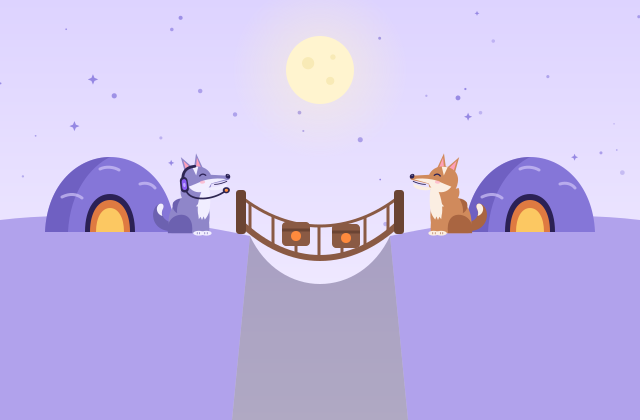
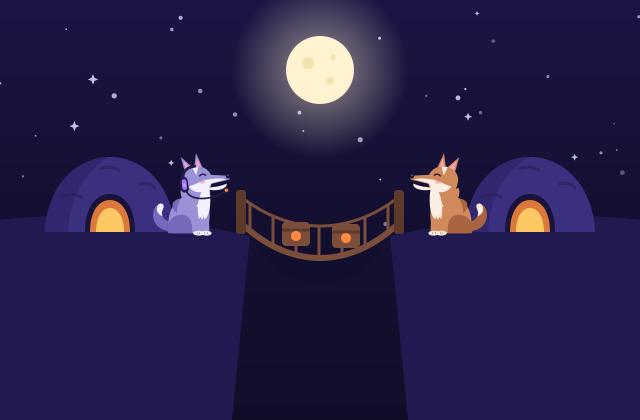
Your friend typed the six words, and then nothing: the call never connects, or howlden tells you the connection failed. In a direct connection app, this message almost always has the same cause. The two browsers could not find any network path to each other. The handshake worked fine (that part travels sealed through the relays), but the actual connection between the two devices was blocked somewhere along the way.
This guide explains why that happens, how to tell what kind of network you are on, and when a TURN server is the real fix. A quick refresher first: howlden has no server in the middle. Each pair of people connects directly with WebRTC, so if two browsers cannot reach each other, there is nothing to fall back on unless you provide one. If that model is new to you, how howlden works covers the basics.
NAT in plain words
Your phone or laptop almost never has its own public internet address. It sits behind a router that does NAT (network address translation): many devices share one public address, and the router keeps a table of which outgoing conversation belongs to which device. Replies to something you sent get through. Unexpected packets from outside are dropped.
That is a problem for direct calls, because each side looks like a stranger to the other. WebRTC works around it with ICE. Both browsers ask a STUN server "what is my public address?", the addresses travel inside the sealed handshake, and then both browsers send probes to each other at about the same moment. Each router sees an outgoing packet first, opens a door for the reply, and the probes meet in the middle. This trick works on most home networks.
It fails on what people call strict NAT (one technical name is symmetric NAT). These routers pick a different public port for every destination, so the address STUN reported is not the one your friend's probes need to hit. Some networks also block UDP, the transport WebRTC prefers, or allow only ordinary web traffic. You find this on some corporate offices, schools, hotels, airports and mobile carriers. If only one side is strict, the other side can often still get through. When both sides are strict, the direct path is usually gone.
The three ways ICE can connect
Every possible address ICE gathers is called a candidate. There are three kinds:
| Candidate type | Where it comes from | When it works |
|---|---|---|
| Host | Your device's local address | Both people on the same network |
| Server reflexive (srflx) | Your public address, learned from STUN | Most home networks and many mobile ones |
| Relay | An address on a TURN server you configured | Nearly everywhere, including strict NAT on both sides |
howlden gets the first two for free: it asks Google's public STUN servers one question, and they never see your messages or calls. The third only exists if a TURN server is set up, because a relay has to be a real machine on the internet that forwards traffic, and howlden deliberately runs no servers of its own.
Things to try before setting up TURN
- Switch one person's network. Moving one side to a different network, like a phone hotspot or home Wi-Fi, is the fastest test. If it connects, the original network was the blocker. Mobile carriers differ a lot, so try it rather than assume.
- Turn the VPN off. Some VPNs block UDP or route traffic in ways that break the probes. Test with it off first, then on, and compare.
- Check browser extensions and settings. Some privacy extensions limit or disable WebRTC to hide your local address. Try a private window with extensions off, or another browser.
- Make a fresh invite. The addresses inside an old invite can go stale when a laptop changes Wi-Fi or a phone moves to mobile data. A new set of six words collects fresh ones.
- Look at the details. In Chrome, open
chrome://webrtc-internals, and in Firefox,about:webrtc. If you see candidates of type "srflx" on both sides but no pair ever succeeds, strict NAT is the likely cause. If you see no srflx candidates at all, something is blocking STUN, often a firewall.
In a den, remember that every pair of members has its own connection. It is common for one person on a strict network to reach some members but not others. That pattern is a strong hint that the network is the issue, not the app.
Adding a TURN server in howlden
When both sides really are stuck, a TURN relay is the fix. It receives the encrypted packets from one browser and forwards them to the other. Because WebRTC encrypts every connection end to end with DTLS (and SRTP for audio and video), the relay cannot read your messages or hear your call. It does see what any network operator would see: the IP addresses involved, when you connected and roughly how much data moved. A relay you run yourself, or one run by someone you trust, is the best choice.
howlden notices when a connection fails, explains it in plain words, and lets you add your own TURN server in settings. The details are stored only in your browser's local storage. You need three things from whoever runs the server:
- a server address such as
turn:turn.example.com:3478, and ideally aturns:address on port 443 for networks that only allow web traffic, - a username,
- a credential (the password for the relay).
Often one person having a TURN server configured is enough, since the other side can usually reach the relay's public address. Adding it on both sides is the most reliable setup when both networks are strict.
Where TURN servers come from, honestly
There is no magic free relay we can point you to, and we will not promise that any particular free server works or keeps working. Your realistic options are:
- Run your own. coturn is a widely used open source TURN server. A small cloud machine with a public IP address is plenty for a few friends. The main cost is bandwidth, because every relayed call passes through that machine, and video adds up quickly.
- Use a hosted TURN service. Several companies sell TURN access billed by traffic. Read their privacy terms, since they will see connection metadata.
- Ask your organization. If the strict network is at your workplace or school, the IT team may already run a relay or be willing to allow WebRTC traffic.
Keep in mind that a relay adds a little delay, because packets take a detour, so a direct path is still the nicer experience when you can get one.
Give it another go
Many connection failures come down to one strict network, and switching networks fixes a good share of them. Open your den, try a fresh invite from a different network, and if that works, you know exactly what to bring up with IT or the hotel front desk. To understand the moving parts in more depth, read how howlden works. Then jump back into the den.
Frequently asked questions
What does connection failed mean?
It means the browsers tried every possible network path between them and none of them worked. The usual cause is a strict NAT or firewall on both sides.
What is strict NAT?
A router or firewall that hands out a different public port for every destination, or blocks unexpected incoming traffic and UDP. Direct connections through it are unreliable, especially when the other person is behind one too.
Do I always need a TURN server?
No. Most home networks connect directly using STUN alone. You only need TURN when the direct path fails, typically when both people are on strict networks.
Can a TURN server read my messages or hear my calls?
No. WebRTC traffic is encrypted end to end with DTLS and SRTP, so the relay only forwards encrypted packets. It can see IP addresses, timing and how much data moved.