
popcornpals presents
Movie night, together, in sync.
Watch the same video at the same moment with up to 4 friends. Invite them with six words, then talk, chat and react.
- Up to 5 people
- No account
- Peer to peer
Reel 1How it works
Three frames to movie night.
-
Start a room
Open popcornpals and press Start a room. No sign up and nothing to download. You are the host.
-
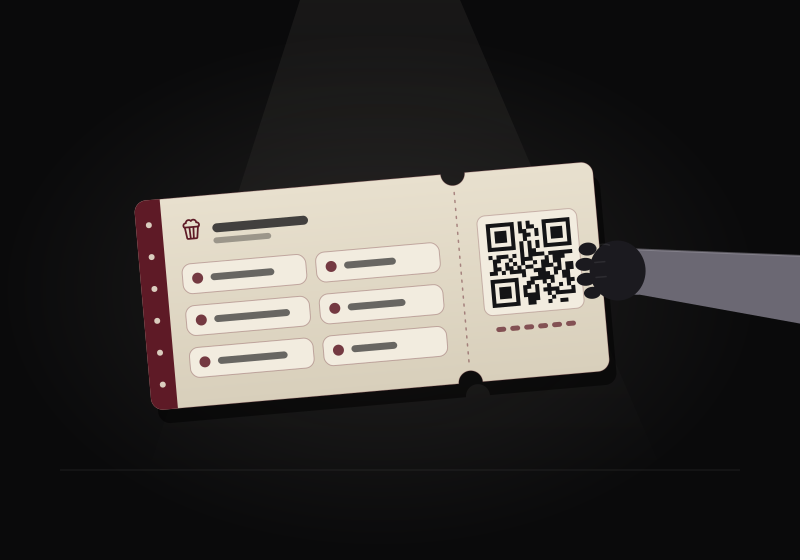
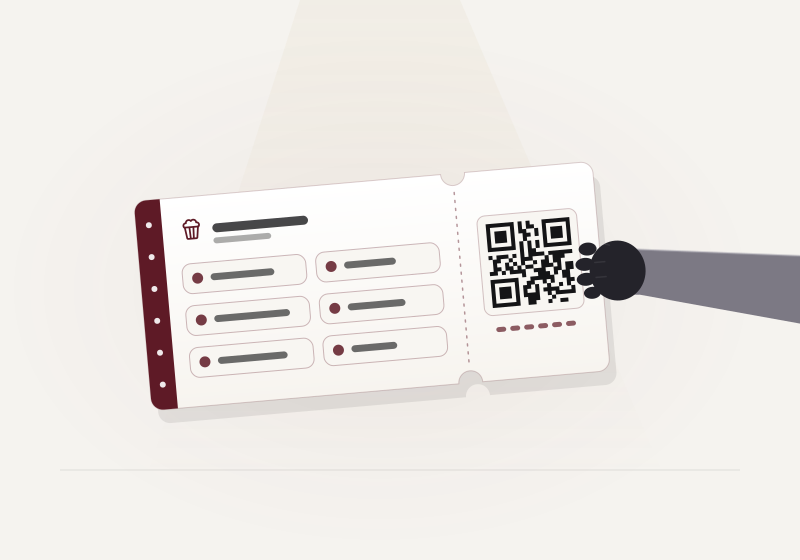
Share six words, a QR code or a link
Press the big invite button. Your friend types the six words, scans the code or opens the link, and all three carry the same words. Each invite works once, for 10 minutes.
-
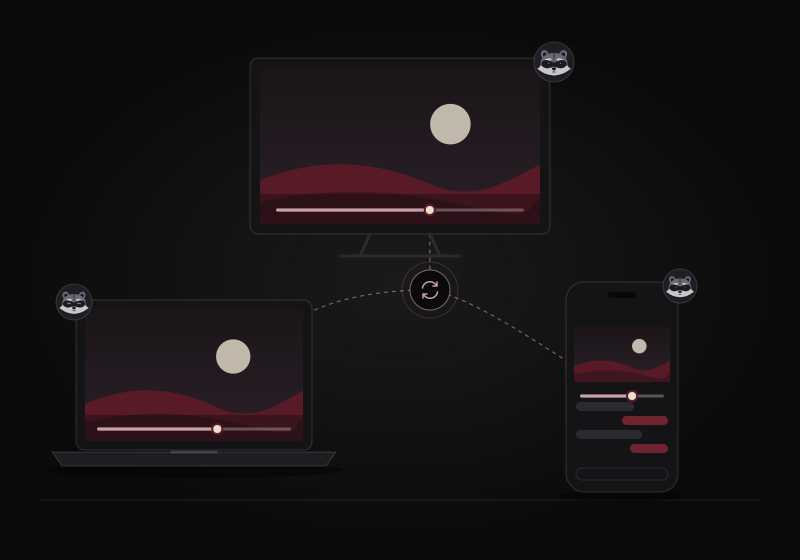
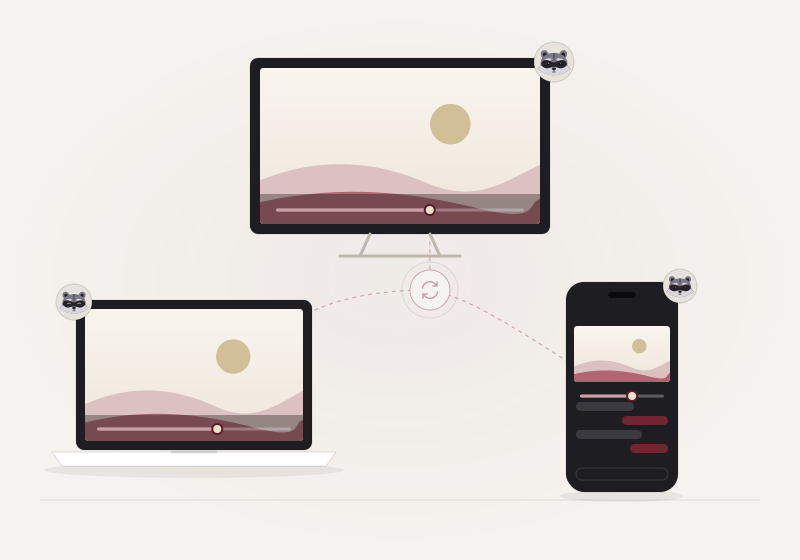
Press play
Play, pause and seek stay in step on every screen. Anyone can take the remote unless the host locks it, and a friend who joins late lands on the right moment.
Reel 2The ticket
Six words are the ticket.
No account. You share six words, as words, a QR code or a link, and a second set of six proves the right friend came in.
Admit one friend
popcornpals
- 1dream
- 2foot
- 3word
- 4divide
- 5drastic
- 6about
- 1velvet
- 2orbit
- 3lemon
- 4harbor
- 5pilot
- 6cherry
Your friend types these words, scans the QR code, or opens the invite link. A link that opens joins the room at once.
Your friend reads these back to you. You type them, and the door opens.
Roomup to 5
Validonce, 10 min
Link#join=
Example words. Every invite makes new ones. In the link, the words sit after the #, a part browsers never send to any server. They meet on public relays, encrypted with a key made from the words, and three wrong check ins turn the guest away.
Reel 3What you can watch
Four ways to fill the screen.
-
YouTube videos
Paste a link. Everyone loads the official embedded player, and play, pause, seek and speed stay in sync.
-
Your video files
One person picks the file, everyone watches. It streams from that person's device over the peer connections, so picture quality depends on their upload speed, shared by every guest.
- Best quality mode. If everyone has the same file, each person opens it on their own device. A quick fingerprint checks the files match, and only sync messages travel.
- Subtitles. Load an .srt or .vtt file and everyone sees them.
-
Screen share, for anything else
Share a tab, a window or the whole screen.
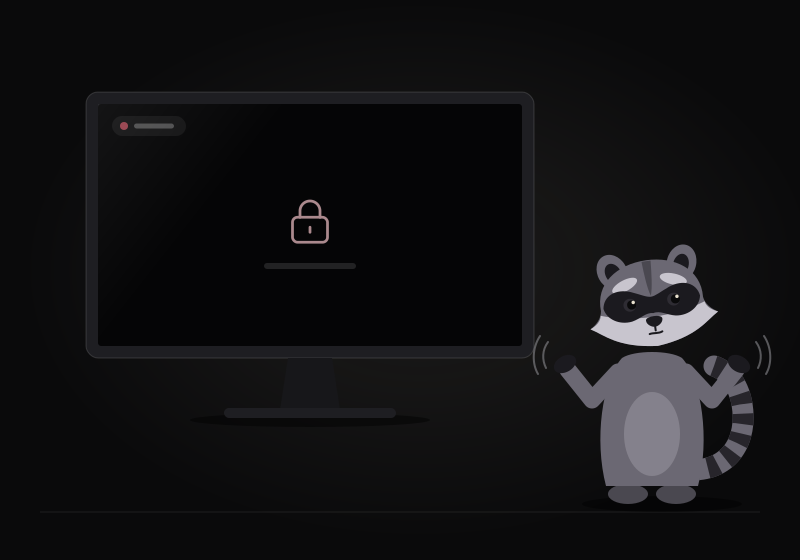
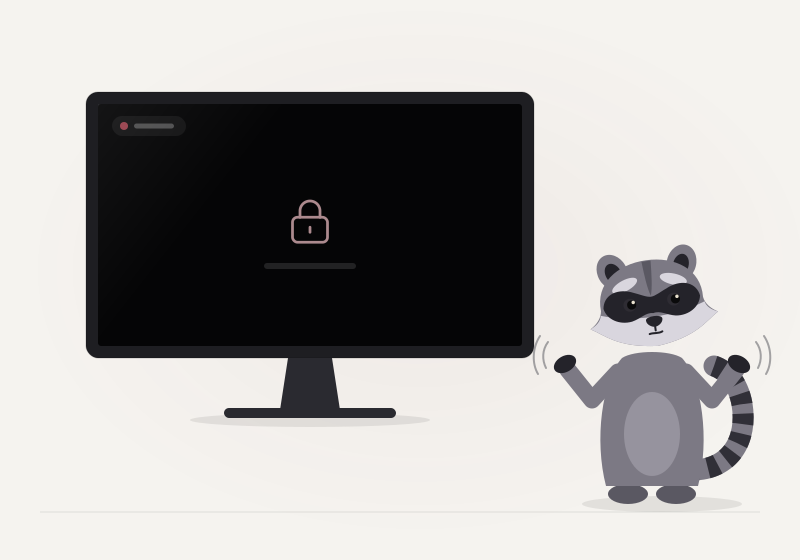
Many streaming services block screen capture of protected video, so your friends would see a black picture. And sharing never replaces a subscription: every viewer always needs their own.
-
Streaming sites, with the extension
The optional browser extension keeps each person's own player on a streaming site in step: play, pause and seek. Everyone signs in with their own account and subscription.
It never captures, records, downloads or re-streams video, and never bypasses copy protection. Some players refuse seeking from outside; then only play and pause sync.
Get the extension
Reel 4Together
The same couch, in different homes.
-
Voice chat
Talk like you are on the same couch. Mute whenever you like. Noise suppression fades fans, hum and keyboard clicks.
-
Chat with replies
Reply to a message, react to it, and drop a time like 1:24:07: one click takes everyone to that moment.
-
Reactions on the screen
Tap a reaction and it floats up over the picture for everyone.
-
Camera seats
Turn on your camera if you want to, and you show up as a small seat under the screen.
-
Also in the room
- Who is watching
- A shared queue
- Host lock for the controls
- English and Portuguese
- Installs like an app
- Dark, with a light option


Reel 5Private by design
No server of ours in the middle.
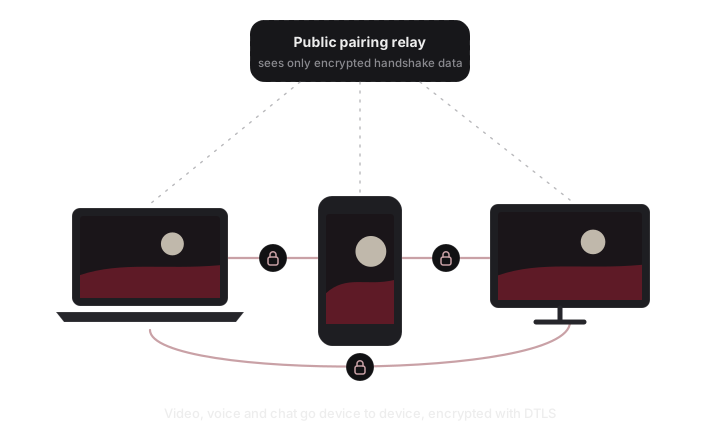
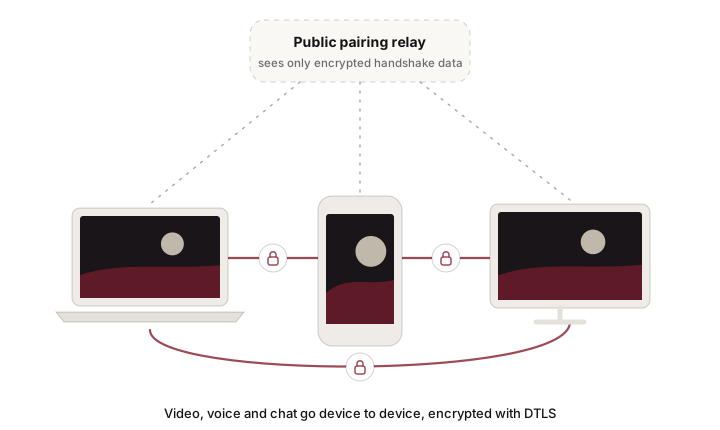
- Peer to peer. Video, voice and chat travel straight between your devices over WebRTC, encrypted with DTLS. There is no server of ours and no account.
- Relays only see ciphertext. The six words meet on public MQTT relays, and only encrypted handshake data passes there. An invite link keeps the words in the part after the #, which is never sent to a server.
- Nothing uploaded to a server. A video file streams from the person who picked it, straight to the room.
- Strict networks. Public STUN servers help devices find each other. Some networks block direct connections; then you can add your own TURN server in the app settings.
OptionalFor streaming sites
The sync extension
Works with the video player on many streaming sites. It only plays, pauses and seeks each person's own player, so everyone needs their own subscription. It never captures, records or re-streams video, and never bypasses copy protection.
Download the extension72a172486adad897accfd2d91fc5ec08d470ad33128516d6d599dc6a276e09bc
Works on Chromium-based browsers. Firefox requires signed extensions, so it is not supported there yet. It is not in any store: you install it from this file.
Install it once
-
Step 1
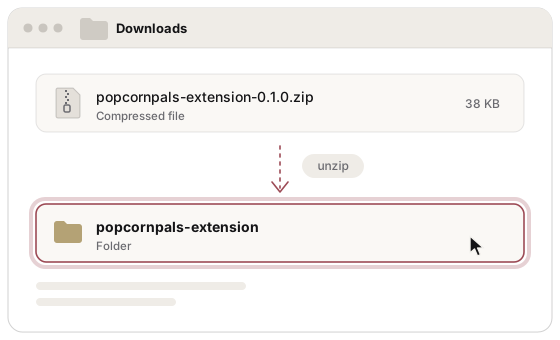
Unzip the file
Unzip the download. You get a folder named
popcornpals-extension. Keep it where it is: the browser loads the extension from it.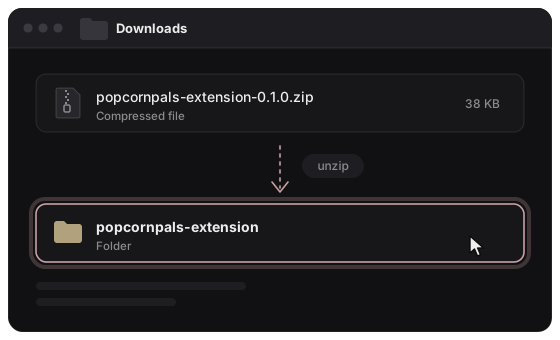
-
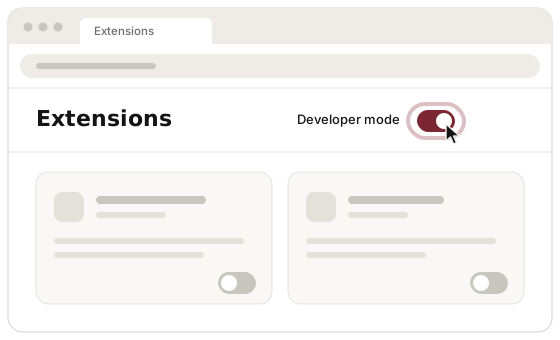
Step 2
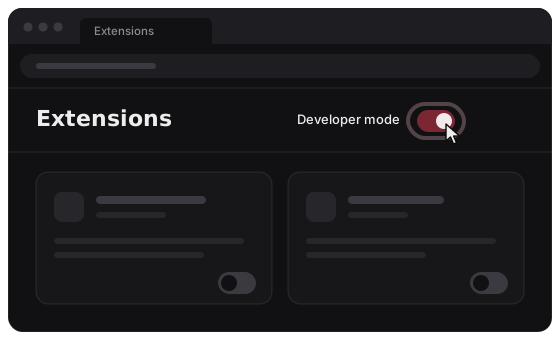
Turn on developer mode
Open the extensions page of your browser from its menu, and turn on the developer mode switch.
-
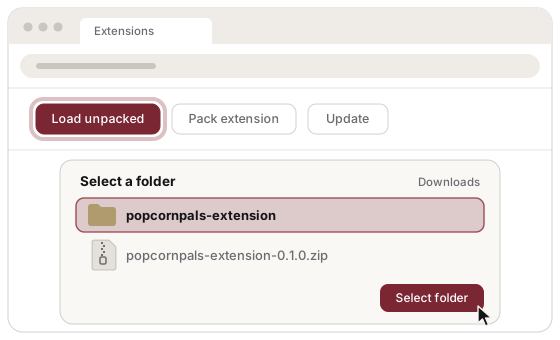
Step 3
Load the unpacked folder
Choose Load unpacked and select the
popcornpals-extensionfolder you unzipped.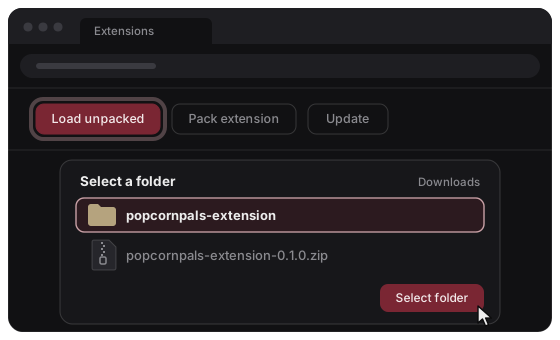
Then, on movie night
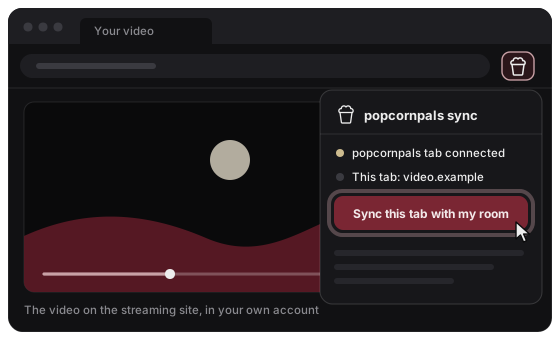
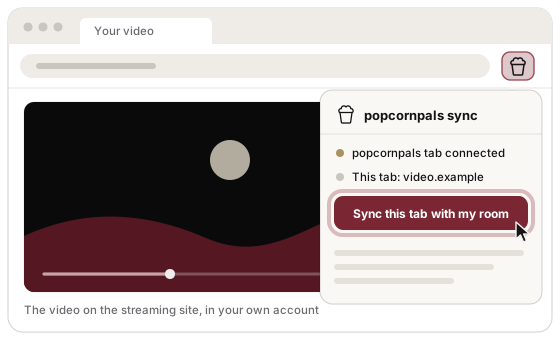
- Keep your popcornpals room open, and open the video on the streaming site in another tab, signed in to your own account.
- Click the popcornpals button in the browser toolbar.
- Choose Sync this tab with my room. Everyone in the room does the same on their own device.
IntermissionQuestions
Before the lights go down.
Do my friends need the video file?
No. One person picks the file and everyone watches it, streamed from that person's device. If everyone already has the same file, best quality mode plays each person's own copy and only sync messages travel.
Why do my friends see a black screen when I share some services?
Many streaming services block screen capture of protected video, so the shared picture turns black. popcornpals cannot change that. Use the extension instead: everyone plays the video on the site with their own account and subscription.
How many people can watch together?
Up to 5 people in a room: you and 4 friends.
Is it private?
Video, voice and chat go straight between your devices, encrypted with DTLS. There is no account and no server of ours. The public relays used for the six words only pass encrypted handshake data.
What if we cannot connect?
Some strict networks, often at work or school, block direct connections. Try another network, or add your own TURN server in the app settings so the connection can be relayed through it.
Do I need to install anything?
No. popcornpals runs in the browser, and you can install it as an app if you like. The extension is optional and only needed to sync a streaming site.
The seats are free. Bring popcorn.
Start a room